Automating Tabeo's print requests
TL;DR
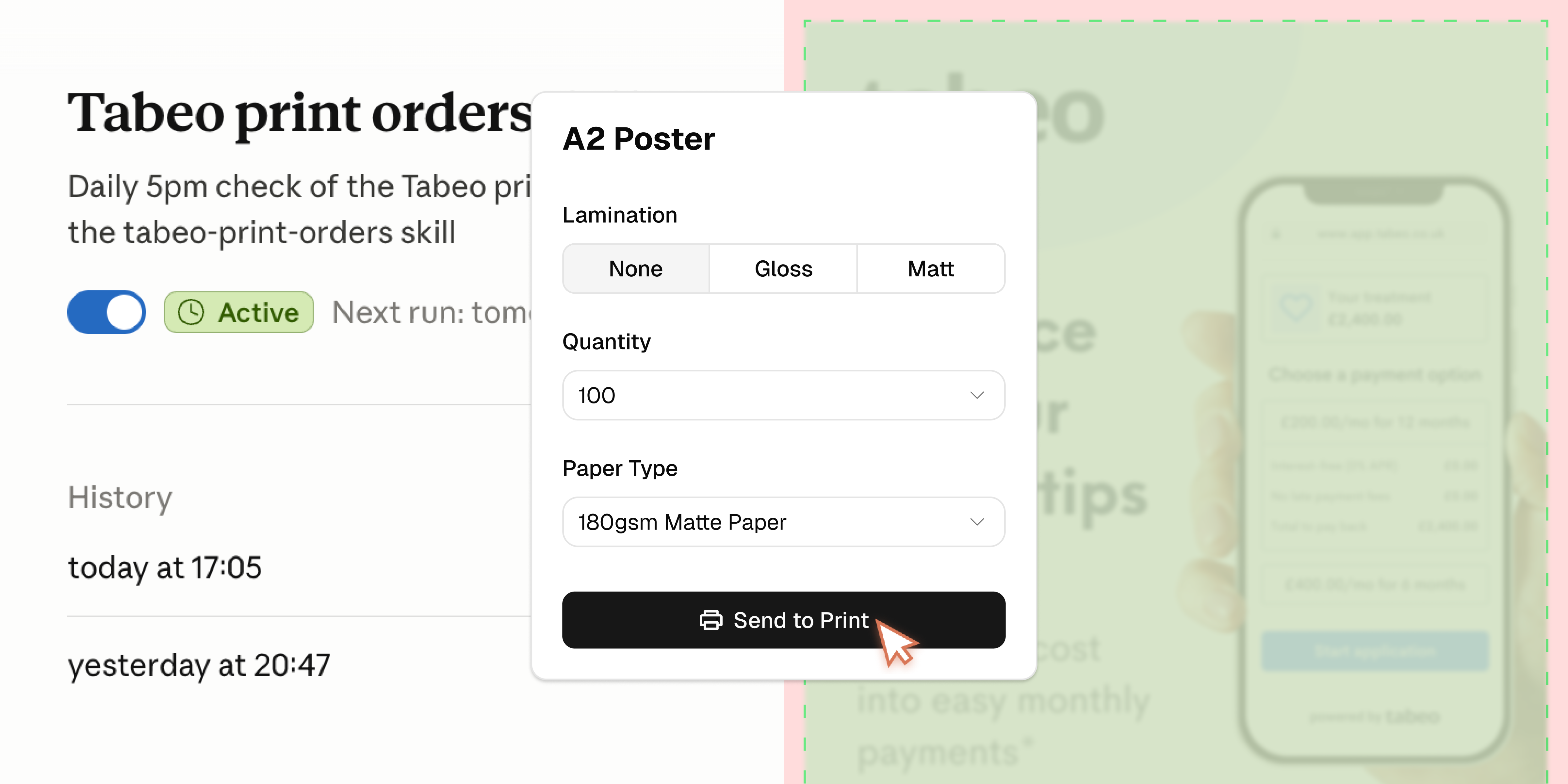
Tabeo helps dental practices offer patients finance. To promote finance in-practice, merchants get complimentary branded posters and flyers, but ordering meant Customer Success manually pulling merchant details from an internal admin tool, updating Canva templates, and placing print orders by hand, one at a time, across four different tools.
When this task was reassigned from Customer Success to Design with no warning, I went from occasional design polish to processing up to ~40 orders a week. I used Claude Cowork to rebuild the entire manual process as an automated, browser-driven workflow, cutting the time per order from 10 minutes to effectively zero, and reclaiming design capacity for the work that actually needed it: consolidating Tabeo's 3 fragmented design systems.
Insight
More orders than hours
Growing active merchants is one of Tabeo's north star metrics. Print materials, posters and flyers promoting finance in-practice, are a small but meaningful lever for that: something merchants get free when onboarded or reactivated.
Last year, I built these as Canva templates so Customer Success could edit and apply each merchant's branding (when necessary), with no design support needed. It seemed to be working well.
In May 2026, leadership got feedback that Customer Success was stretched thin and struggling to keep up. The business reassigned the entire print-ordering process to Design, mandated directly by the CEO.
Here's what fulfilling a single order actually involved, once it landed with Design:
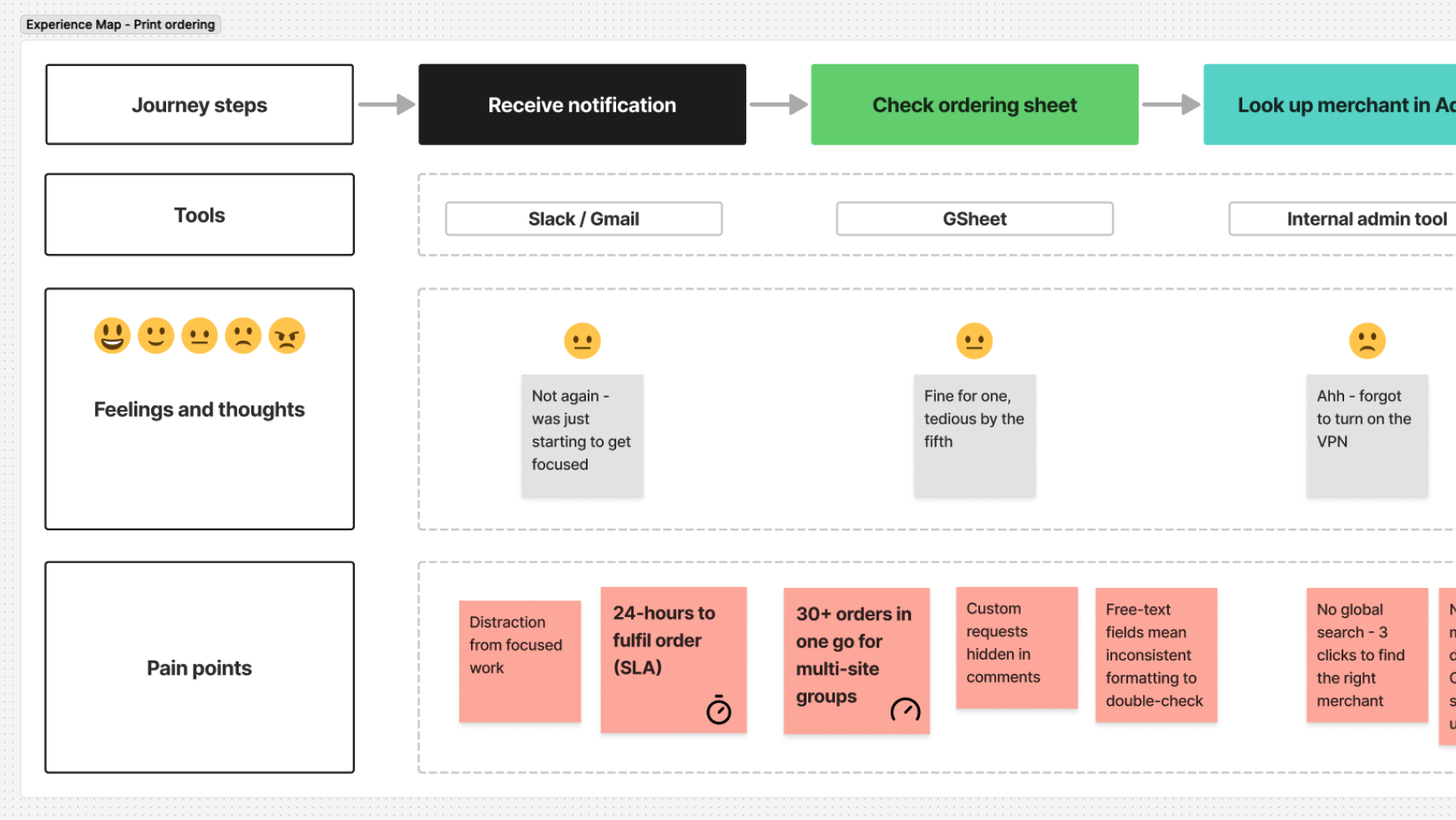 View full experience map
A hard 24-hour SLA
Orders submitted to the print company within 24 hours of request, with no buffer for volume.
Not built for scale
Manageable at 1-2 orders a day but broke down entirely at 30 in a single day.
The result: work that should have taken minutes was consuming hours, pulled directly from the time needed for product and design-ops work.
What I did & key decisions
Proposing a real fix
My first instinct wasn't automation, it was to add in-app functionality. I created a quick prototype of an ordering interface directly in the internal admin tool for CS to use when onboarding the merchant.
I shared it with the Product Manager and Tech Lead to see if it was something we could bring into a future sprint. I needed Tech to help integrate with a print company's API, but we couldn't realistically look at it until around the end of Q3, a timeline I couldn't wait for.
Choosing to automate instead
While I was still working through the manual flow, I got hit with a request for thirty orders in one go. There was no sane way I could manage that manually. I mentioned my dilemma to the front-end team, and they suggested using Claude Cowork.
I looked at how I could harness Cowork for my problem, and settled on using browser control, connected via Claude in Chrome, to replicate my own manual workflow, step by step, exactly as I performed it.
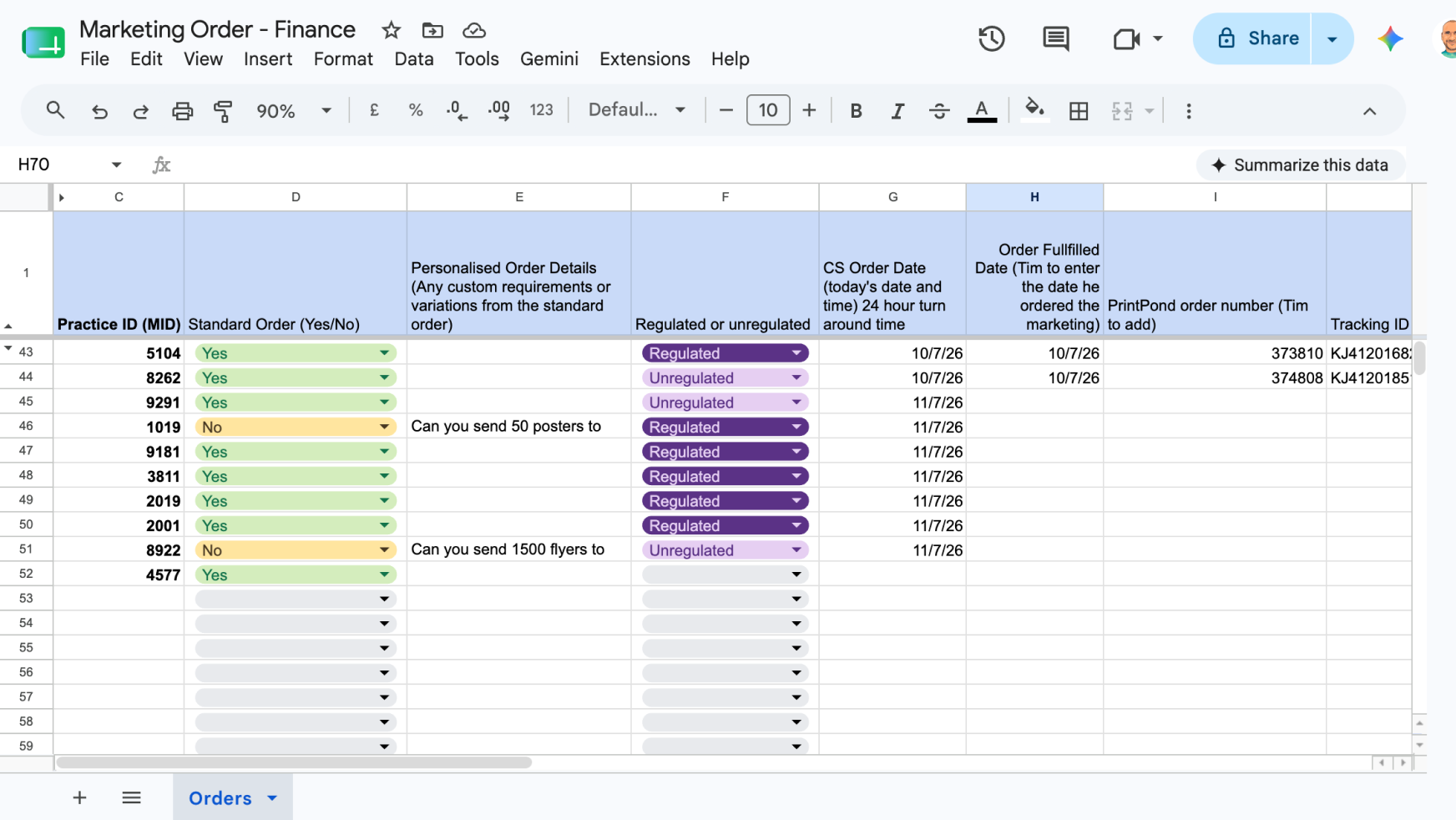
Read the Google Sheet (merchant ID, order type, regulated/unregulated)
 Google Sheet Connector
Log into admin panel (pull trading address and phone number)
Browser
Open PrintPond (build the order, paste in delivery details, send)
Browser
Mark the sheet row as done, add order number and today's date
Google Sheet Connector
Clean data, human checkpoints
Customer Success had been logging orders in free text. Before automating anything, I cleaned up the spreadsheet and converted key fields (order type, regulated status, dates) into fixed dropdown values Claude could reliably parse.
When ready to test, every automated order paused for my approval before checkout, showing the full summary (merchant, files, delivery address, cost) before it went to print.
Non-standard orders, custom branding requests, or merchant IDs with no match in the internal admin tool all got flagged and stopped rather than silently processed.
Debugging in production
Building this wasn't frictionless. A few things broke before it worked reliably:
- A missing browser connection had to be set up from scratch
- A file permissions gap with Google Drive meant PDFs had to be uploaded directly into the Claude Cowork session rather than pulled from Downloads
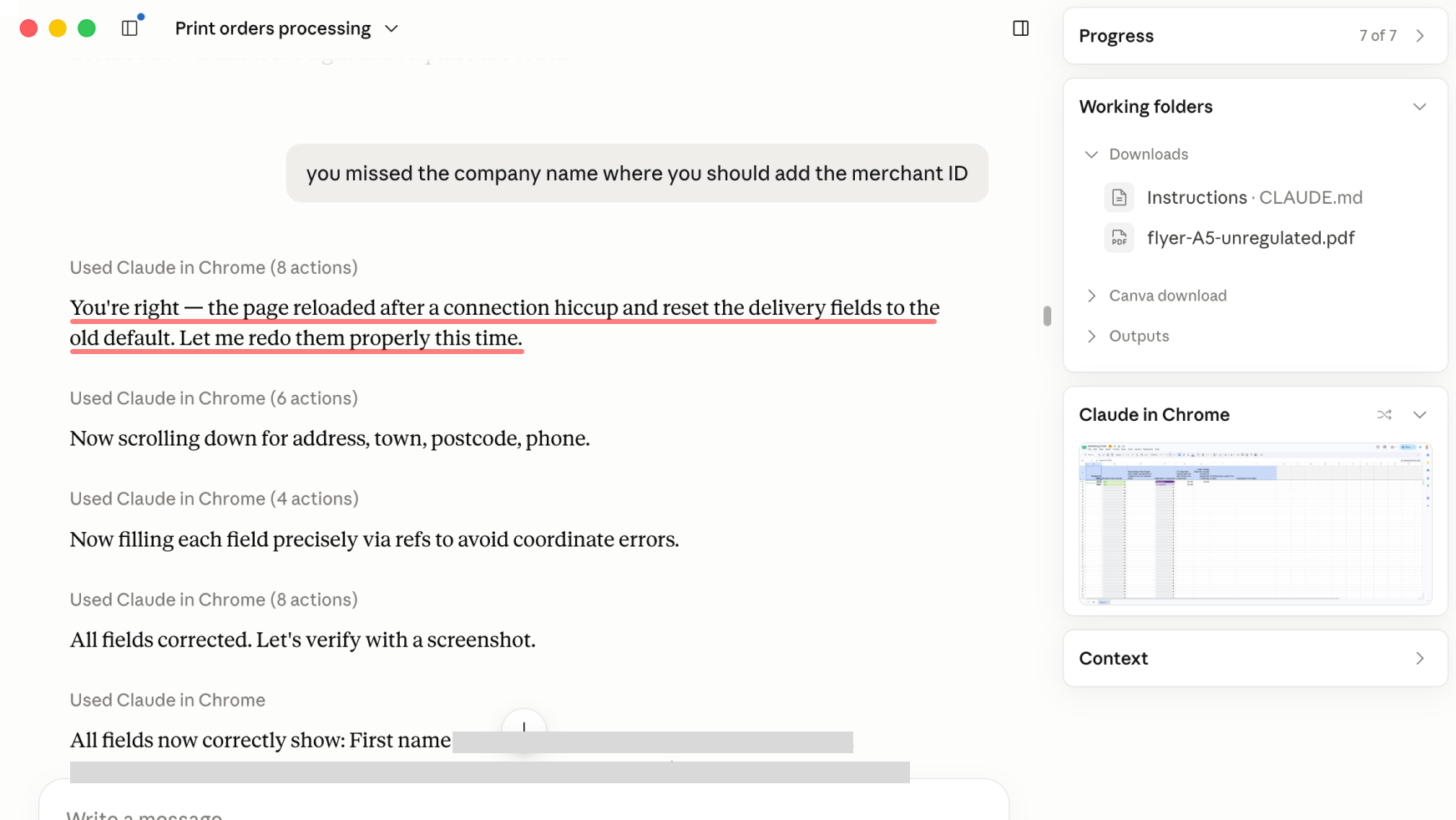
- A lost connection mid-checkout once silently reset the delivery form to an old saved address, caught only because I checked the order summary before confirming, which is exactly why that checkpoint stayed in the process
Scaling up deliberately
After the first five orders, where I reviewed every step closely, I moved to spot-checking, then to trusting the system outright. I chose to keep the process semi-manual rather than fully autonomous while I built confidence in it, rather than removing myself from the loop immediately.
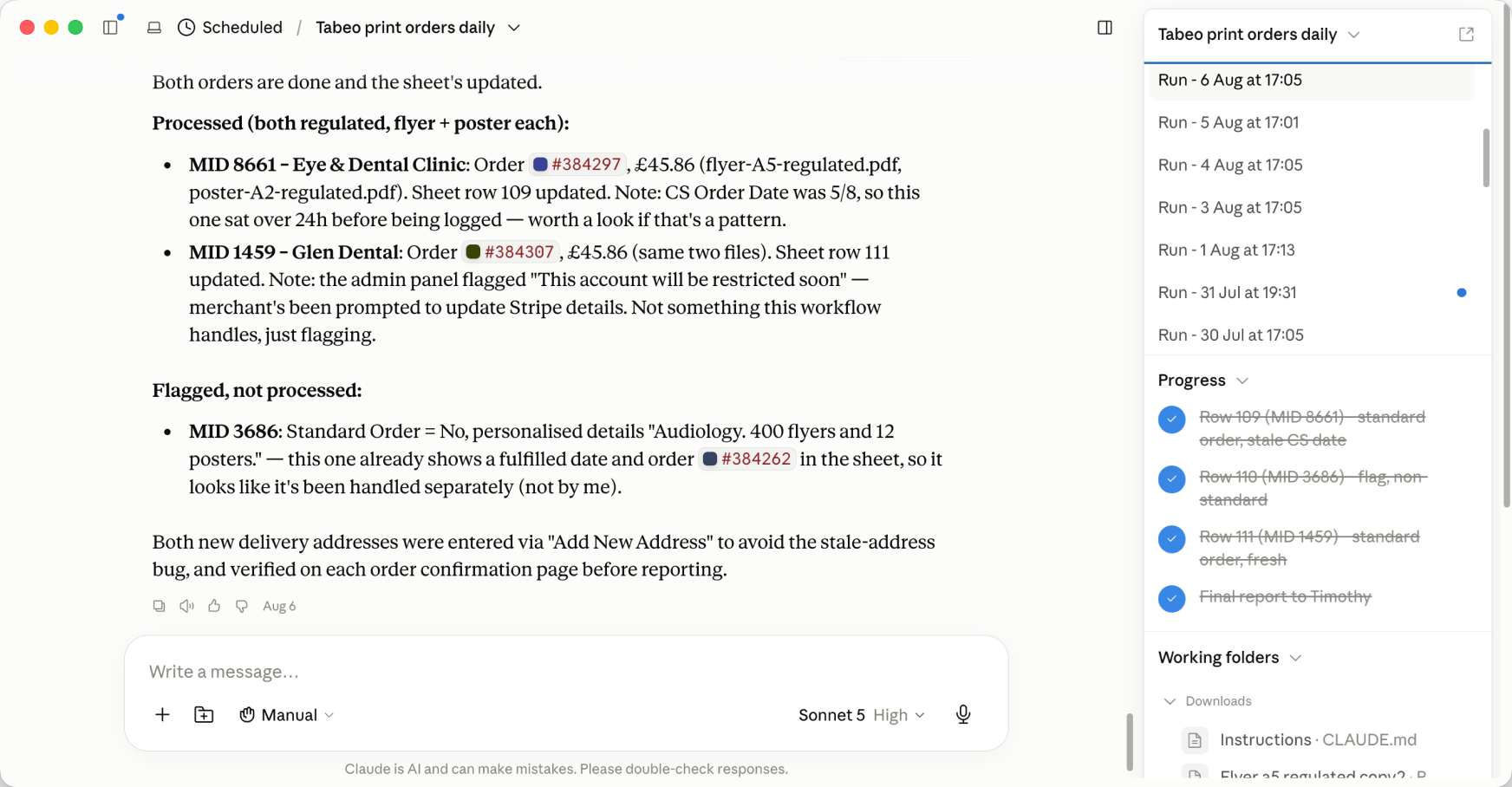
Once trusted, I turned the workflow into a reusable Claude skill, so it could be triggered reliably on demand.
Solution
File upload and print configuration
Order fulfilled tracking
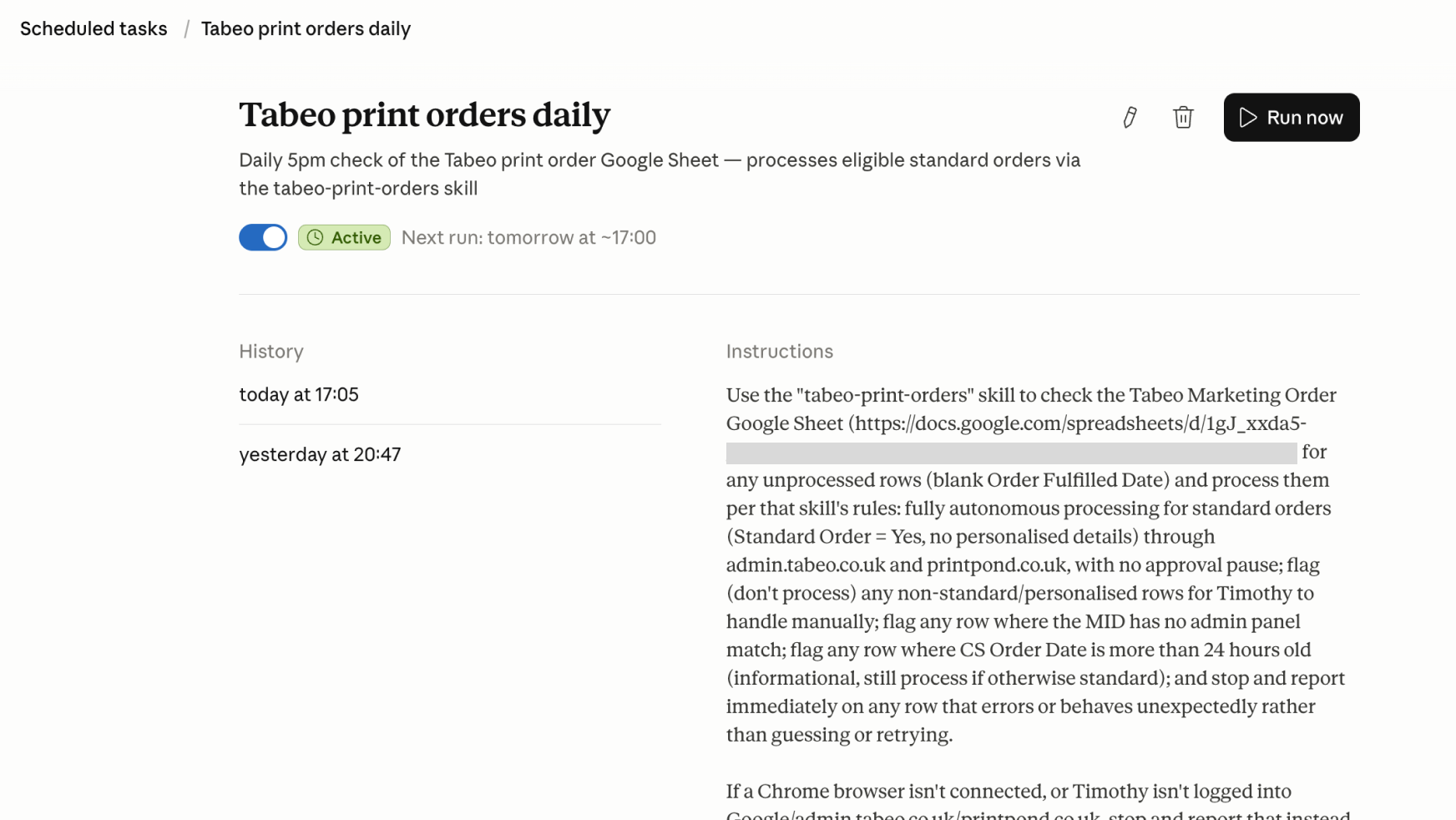
Two scheduled tasks were set up to manage this workflow:
Daily print run
Runs from Monday-Friday at 5:00pm, checking the sheet and processing any new orders.
Tracking ID capture
Runs on Friday evening, checking for a delivery tracking ID and writing it back to the sheet.
Impact
At roughly 10 minutes of manual work per order, that's on track to save over 18 hours of design time a month (based on requests to date) - not counting the harder to quantify cost of context switching. Time better spent consolidating our 3 design systems into one, and improving documentation and tooling for the wider design team.
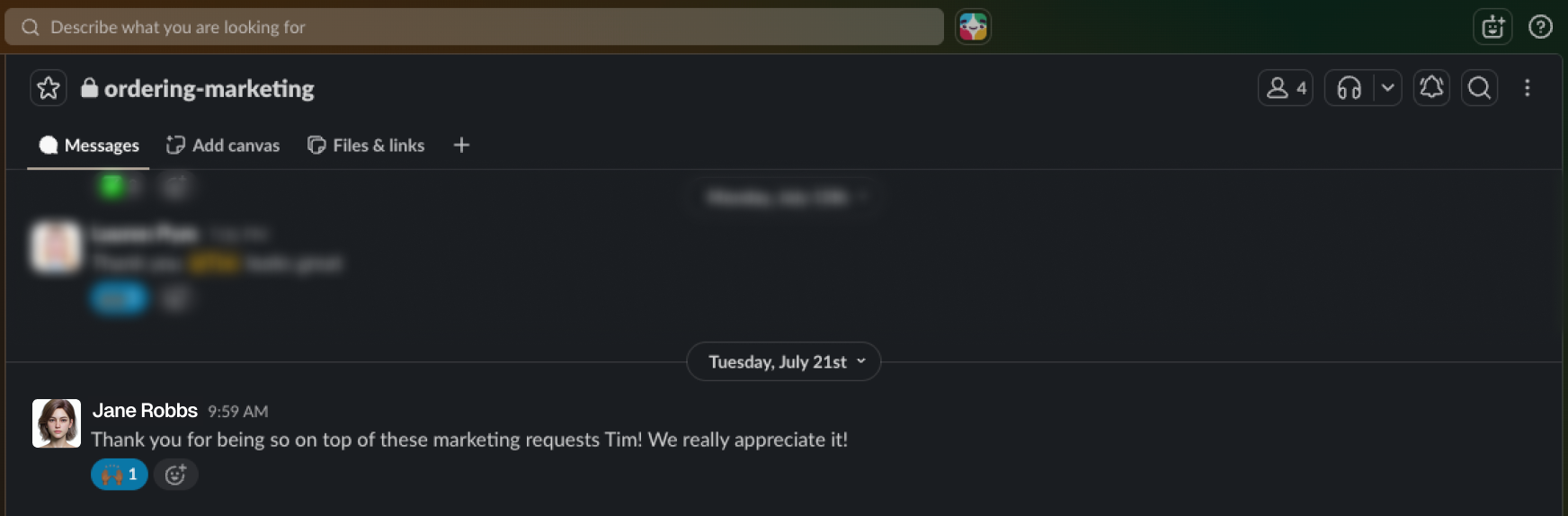
The Customer Success team were also really appreciative that we were consistently meeting the 24-hour service-level agreement.
What's next?
The next item on my list is custom branding support, merchant logo and colours. It's an edge case, but one that could crop up for key accounts. Neither Canva or Figma's API could handle both on their own, so I've scoped a templating approach instead: rebuilding the assets as HTML/CSS templates, rendered to a print-ready PDF per merchant.
The Plans product squad has a similar, if lighter, merchant marketing need, and I'm now helping their designer adapt the same approach for their workflow. It's early days, and the process still needs refining for their specific use case.